Manufacturing
AI Adoption in Manufacturing: Turn Veteran Factory Workers' Experience into AI Agent
AI adoption in manufacturing usually stalls not because the model is not smart enough, but because data remains in paper documents and Excel files, decisions depend on veteran workers, and ERP and MES systems are not connected. Intellicon Solutions has guided 200 manufacturers through this process. We start by selecting the right initial use cases, then bring AI Agent into daily factory operations step by step.
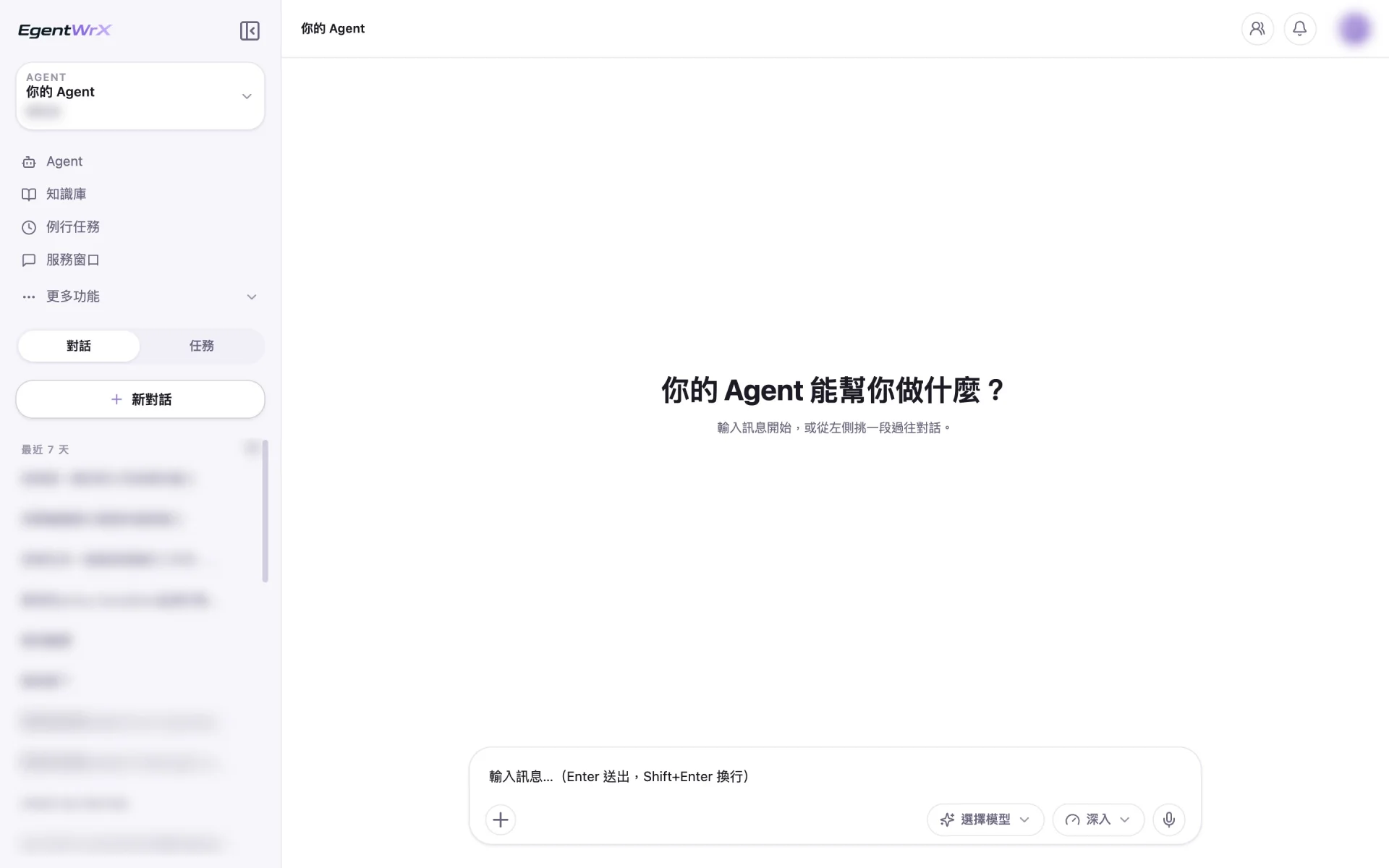
Want every employee to have their own AI teammate?
A consultant will be in touch shortly.
Factory AI Adoption Often Stalls in Three Areas
Software alone cannot solve these three issues. You must first examine the factory floor and understand how the work is actually done.
Data Remains in Paper Documents and Excel
Data is scattered across handwritten forms, scanned documents, and Excel files maintained by individual departments. Formats vary, and much of the data has never been entered into a system. AI must first understand this information before it can help.
Experience Remains with Veteran Workers
How to estimate a quote, assess a defect, or determine which supplier can ship on time is often undocumented. When veteran workers retire or leave, their experience leaves the company with them.
ERP and MES Systems Are Not Connected
System data cannot reach AI, and AI output cannot be written back to the systems. Employees must copy and paste between them, leaving the manufacturer's digital transformation incomplete.
How to Adopt AI in Manufacturing: Four Starting Points with EgentWrX
Select the use case first, connect the data next, and only then assign the work to AI Agent. Reversing this order often results in purchased tools that no one uses.
Use TURBO to Select the Initial Use Cases
Not every task should become an AI Agent. The first step is to use TURBO to assess five factors: how time-consuming the task is, how many people perform it, how often it is performed, whether someone can review the results, and how easily the process can be broken into steps. Selecting the right initial use cases makes other departments more willing to follow.
Process review with an FDE consultant
Use EDGE to Access Local Folders
Many factory files are stored on personal computers or in shared folders. EgentWrX EDGE lets users run work locally. AI Agent can access designated folders, automatically read new files, and pass them to the next AI Agent for further processing.
Local device or enterprise server
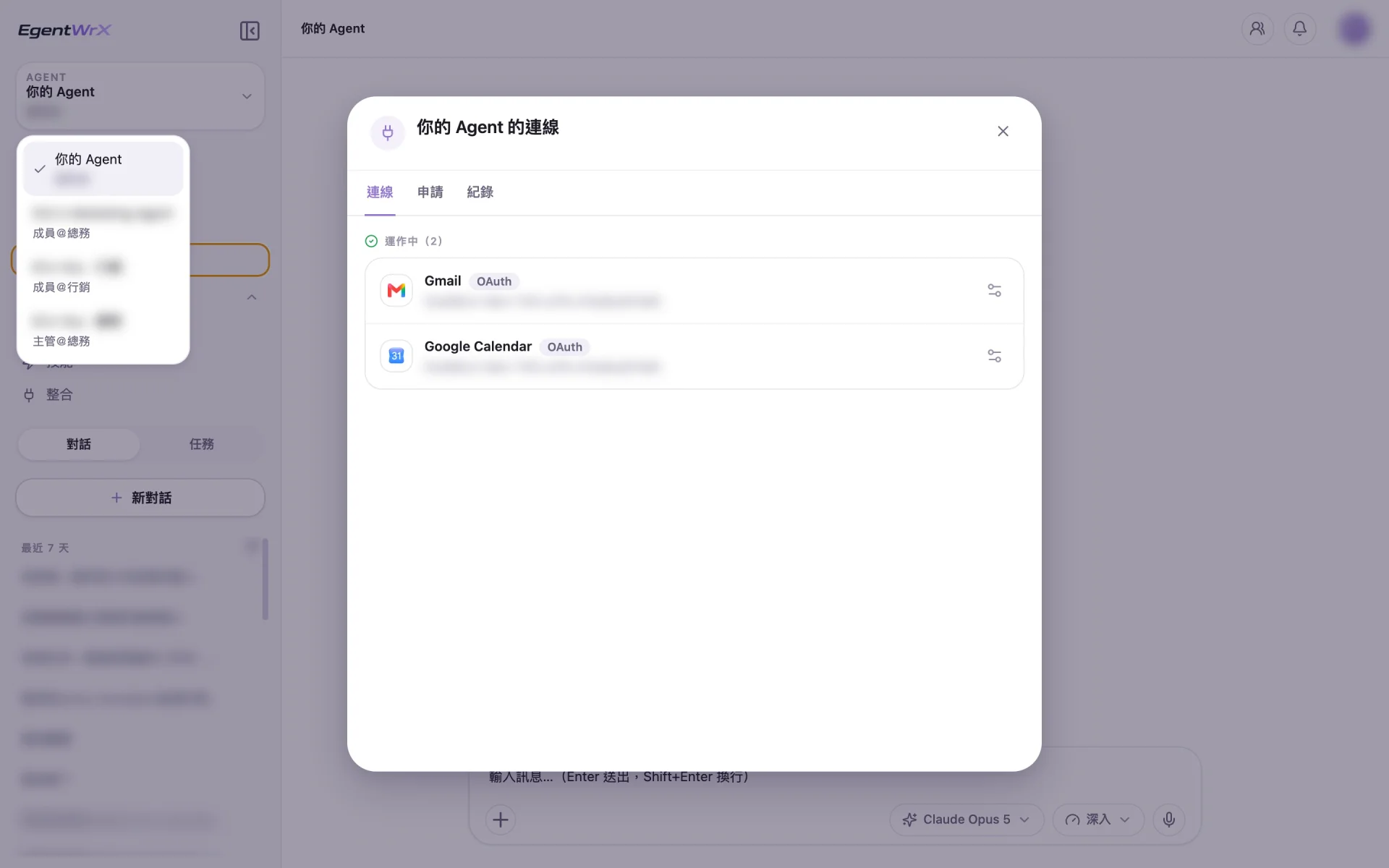
Connect to ERP Systems through MCP
The integration module uses the open MCP standard. AI Agent can query data in internal systems such as ERP and write results back to them. Every operation is logged, and administrators control permissions.
Read from and write to internal systems
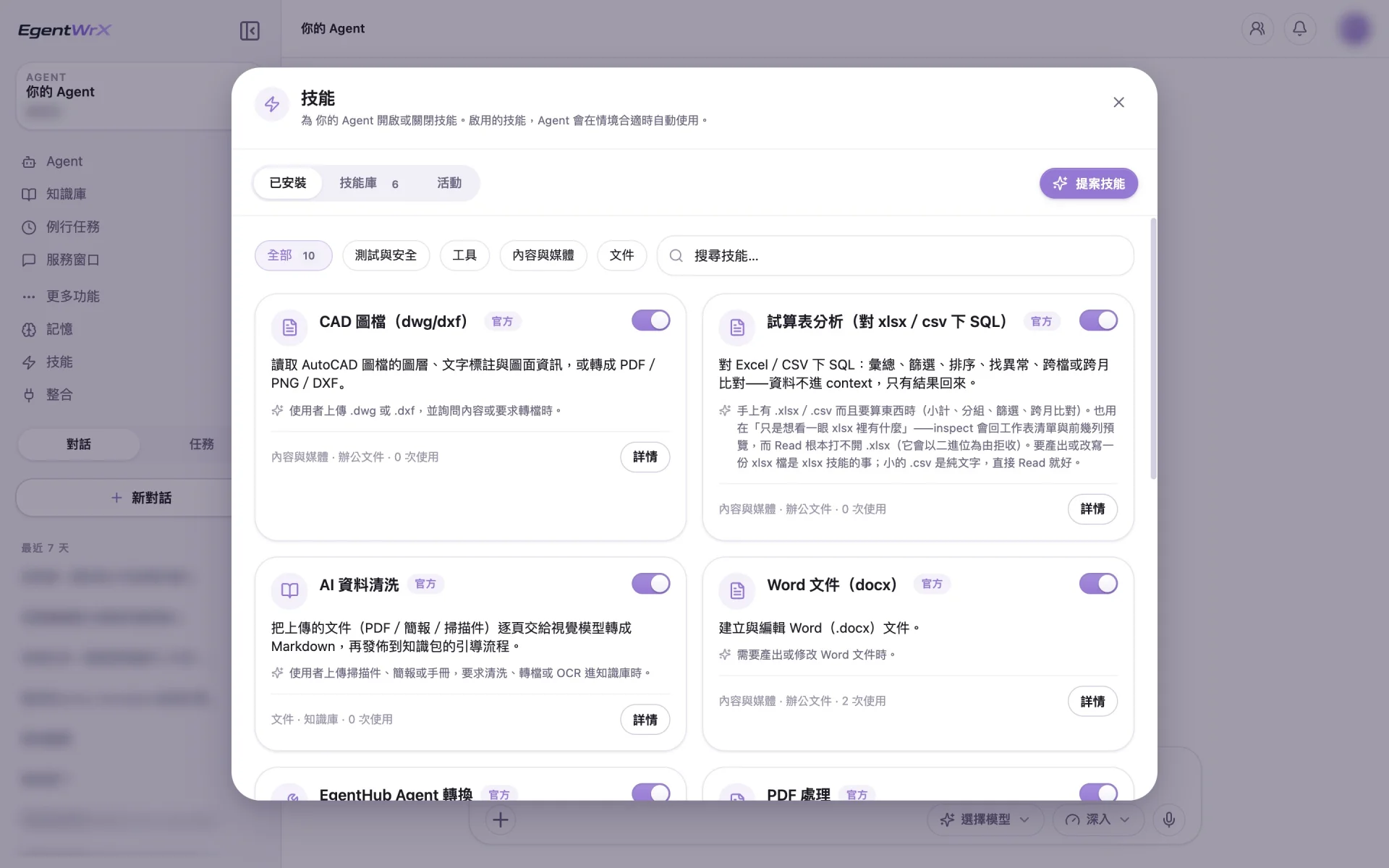
Save Veteran Workers' Methods as Skills
Once SOPs and veteran workers' decision methods are packaged as Skills, AI Agent can follow them. Create a Skill once and share it across the company. The company's working methods remain available even when employees change roles or leave.
Generate from an SOP with one click
AI Agent Use Cases in Manufacturing
Tasks such as document verification and engineering drawing review have clear inputs and outputs, and errors are easy to identify. They are suitable initial use cases.
Frequently Asked Questions About AI Adoption in Manufacturing
- Where should manufacturers start with AI adoption?
- Start with a task in one department that is time-consuming, performed by many people, governed by clear rules, and reviewed by someone. For example, at an auto parts manufacturer we advised, the first tasks to operate reliably involved identifying documents, creating files, and verifying data. These tasks have clear inputs and outputs, and errors are easy to identify.
- Can a factory adopt AI without IT staff?
- Yes. Creating an AI Agent does not require programming. You can start by clearly explaining the work process to AI Agent. During the initial adoption stage, an FDE consultant from Intellicon Solutions helps review processes and organize data. Employees begin with tasks that do not require system integration. When the company later needs to connect internal systems such as ERP, IT staff can join the evaluation.
- How can we deploy AI if data cannot leave the factory?
- Choose on-premises or hybrid cloud deployment so sensitive data remains within the company while cloud models can still be used for inference. The right choice among the three EgentWrX deployment architectures depends on the data's confidentiality level and the company's existing data center environment. The deployment architecture page provides a detailed comparison.
- How is the cost of AI adoption calculated for traditional manufacturers?
- EgentWrX provides a complete set of features and is priced by the number of users, but cloud and on-premises deployment have different cost structures. The actual cost depends on the number of users and the deployment method. You can schedule a free consultation, and a consultant will estimate the cost based on your company's situation.
Where to go next
Want every employee to have their own AI teammate?
A consultant will be in touch shortly.