Knowledge Base
Enterprise Knowledge Base AI: Get Answers from Specifications, Contracts, and SOPs with One Question
Specifications are stored in R&D folders, contracts are kept in Legal's email, and SOPs are printed and posted on the shop floor. Enterprise knowledge base AI brings these internal documents together in one place. Employees ask a question, and AI finds the answer in the company's own documents and cites the original source.
Want every employee to have their own AI teammate?
A consultant will be in touch shortly.
Many Documents, but No Answers
It does not matter how many documents a company stores if employees cannot find them or confirm that they have the correct version. AI search for internal documents must solve both problems.
Keyword Search Misses the Document
A document may be titled "Specification Change Notice," while an employee searches for "Did the dimensions change?" A keyword-only search cannot find the document when the wording differs.
The Current Version Is Unclear
Old and new versions of the same standard may be scattered across different folders. Even after finding one, employees cannot be sure it is the current version, so they have to ask someone again.
The Answer Exists Only in an Experienced Employee's Head
The actual basis for a decision is often not documented. Everyone ends up asking the same person, and work stops when that person is away.
How the EgentWrX AI Knowledge Base Works
Each of the three search methods handles a different type of data. Every answer must cite its source, and permissions determine who can access what.
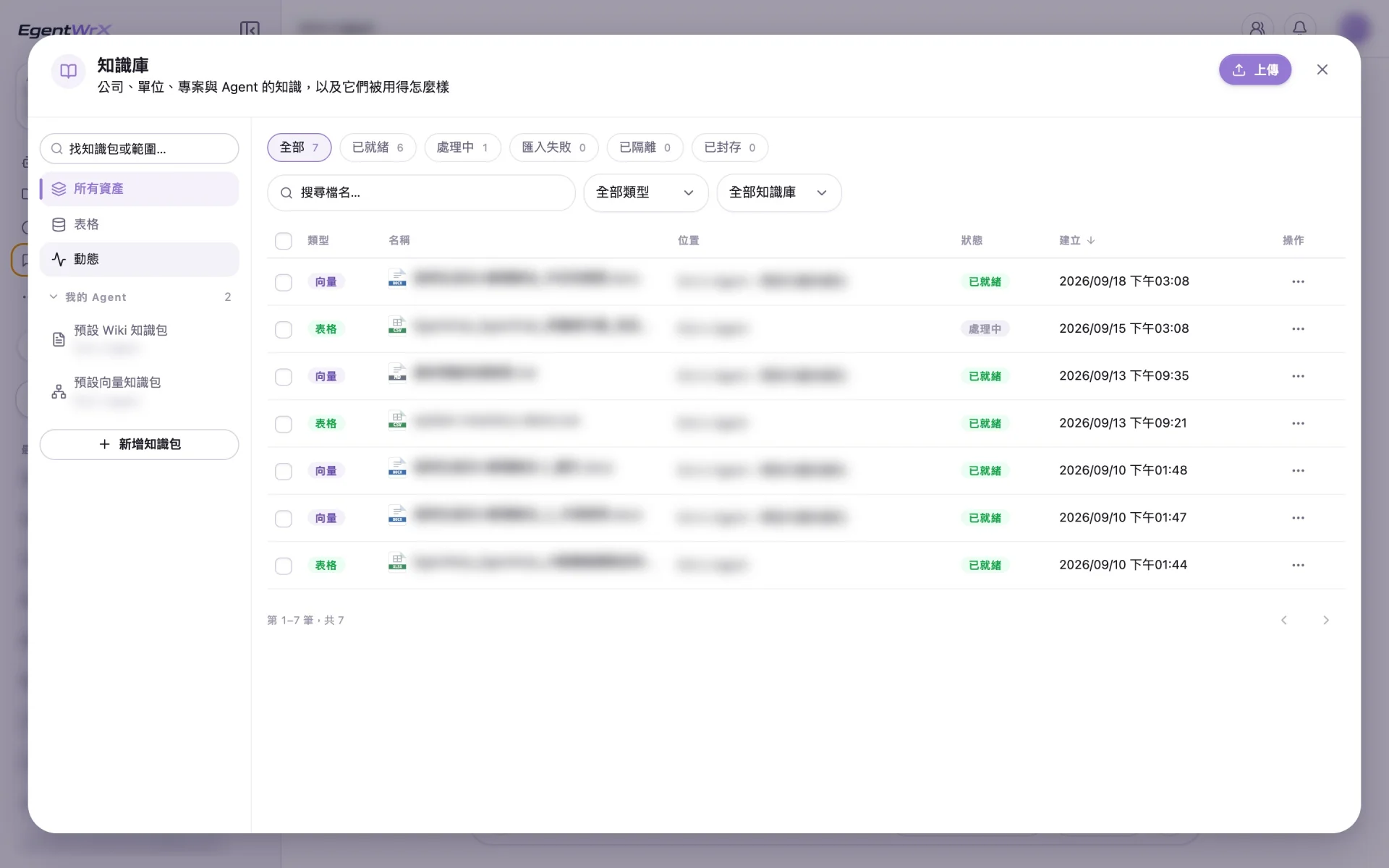
Vector Semantic Search
Find documents by meaning, so employees do not need to guess the right keywords. It works well for long-form content such as specifications, technical documents, and customer complaint records. A search for "Did the dimensions change?" can still find a document titled "Specification Change Notice."
Find documents
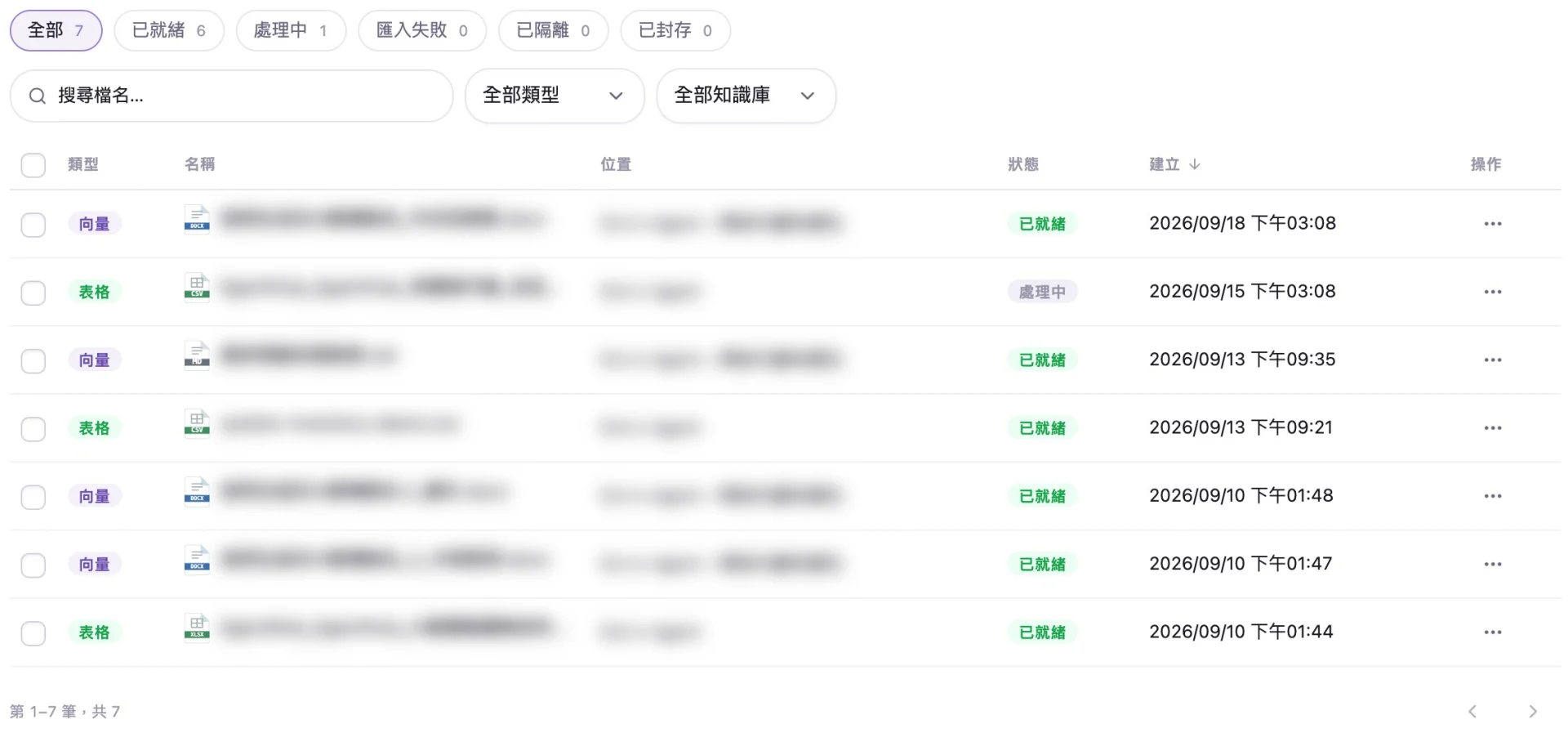
Direct SQL Database Queries
For questions about numbers, AI identifies what the employee wants to know, and SQL retrieves and calculates the data directly from the database. The results are based on actual data, not model estimates.
Query data
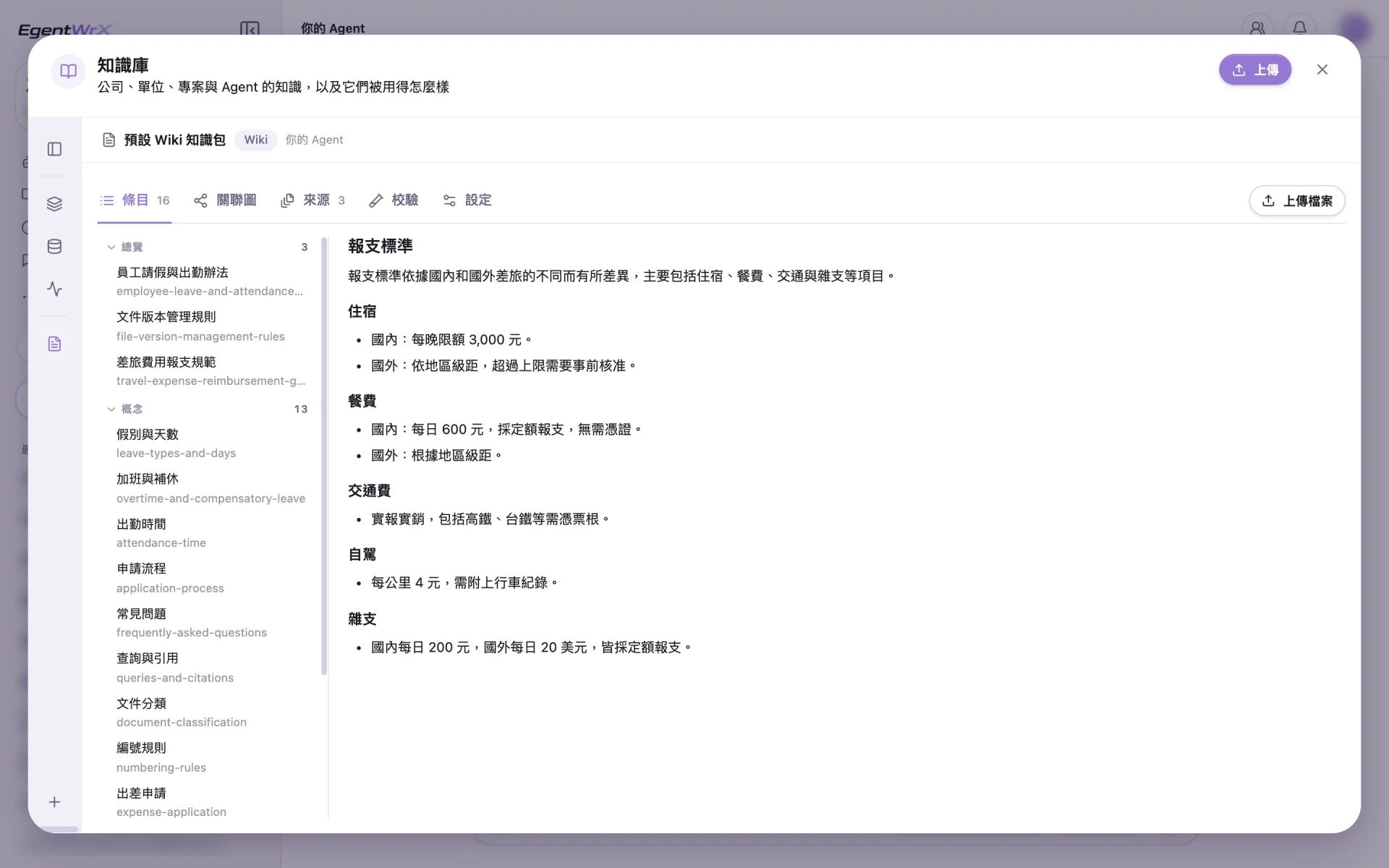
Rules Managed in a Wiki
After policies, work rules, and SOPs are added to the Wiki, each answer cites the relevant section. Employees can open the original text to verify the information.
Ask about rules
Four Permission Levels and Audit Logs
Administrators control who can access what across four levels: organization, department, role, and data. Every model call and knowledge access step is logged for later review.
Control who can see what
Companies Turning Experience and Data into a Knowledge Base
These companies organized knowledge scattered across employees' experience and departmental files into knowledge bases that AI can search.
Enterprise Knowledge Base AI FAQ
- What is RAG?
- RAG stands for retrieval-augmented generation. It first retrieves relevant sections from a company's own documents, then asks AI to answer based on those sections. This means the answer is grounded in internal documents and can cite its sources. The vector semantic search in the EgentWrX knowledge base uses this approach.
- How is document Q&A AI different from uploading files to ChatGPT?
- The differences are centralized document management, permission levels, and source citations. Documents remain in a company-managed knowledge base instead of being scattered across personal conversation histories. Employees can search only the documents they are authorized to view. Every answer cites the location of the original text. If no supporting source is found, the system reports that no source is available instead of filling the gap with general knowledge.
- Can enterprise knowledge base data be exposed outside the company?
- With on-premises or hybrid deployment, sensitive data remains within the company. Access is controlled across four levels: organization, department, role, and data. Every knowledge access step is logged, so the company can later determine who viewed what and when.
- How many documents must be organized before we can start?
- You do not need to organize everything before starting. Begin with one department and one type of document. Based on what we see at customer sites, having more documents does not ensure success. Version control, validity periods, and maintenance processes are what matter. First define the scope of the answers and label each document with its version, date, and source. Each department must also assign someone to update documents and remove expired information.
Where to go next
Want every employee to have their own AI teammate?
A consultant will be in touch shortly.